Deals tracked
14
Apr – Aug 2026

HP OMEN MAX 45L · Super deep-dive · August 2026
RTX 5090 street prices have run hot since launch — $4,200+ from resellers, Amazon listings brushing $4,800. HP's OMEN MAX 45L ships the entire machine around NVIDIA's halo GPU from $3,900, with your pick of Ryzen 9000 or Core Ultra brains. Our pick is the Ryzen 7 9700X build: $50 less than the Intel and it still packs 2× the RAM and a Platinum ATX 3.1 modular PSU. Full teardown below.
01 · The market reality
Since launch, RTX 5090 pricing has only climbed — $4,200+ from resellers, with Amazon listings brushing $4,800 for the card by itself. HP's OMEN MAX 45L undercuts the open-market price of the GPU alone.
That's the whole story: buy the 45L and you're effectively getting the CPU, 32GB of DDR5, the Cryo Chamber chassis, assembly, and a warranty — for less than what the 5090 trades for on the open market. And when HP runs a sale, it gets sillier: the all-time low was a 9700X machine at $3,500 in April — with the Intel config right behind at $3,650 in June and again in July.
02 · The price log
A running log of OMEN 45L deals, April–August 2026. Costs are normalized to the baseline spec (5090 + 32GB + 1TB) — Intel builds get +$150 for the manual RAM upgrade, loaded configs adjust down. The benchmark for a baseline machine: $3,900.
| Timeline & batch | Paid | Config |
|---|---|---|
| Apr — First Contact | $3,500.00 | 9700X · 32GB · 1TB |
| May 15 — Legion | $4,175.00 | Ultra 9 285K · 64GB · 2TB |
| May 18 — Can't Get Enough | $4,600.00 | 9900X3D · 64GB · 2TB+2TB |
| Jun 18 — Father's Day | $3,900.00 | 9700X · 32GB · 1TB |
| Jun 29 — Double Fun B1 | $3,636.37 | Intel 265K · 16GB · 1TB |
| Jun 29 — Double Fun B2 | $3,641.37 | Intel 265K · 16GB · 1TB |
| Jul — The Return | $3,650.00 | Intel 265K · 16GB · 1TB |
| Aug — The Return | $3,900.00 | 9700X · 32GB · 1TB |
| Aug — The Return | $4,120.00 | 9800X3D · 32GB · 1TB |
| Aug 23 — Fully Loaded | $4,560.00 | Intel 285K · 64GB · 2TB · Win Pro |
| Aug 28 — No Coupons | $4,542.99 | 9700X · 32GB · 1TB · list price, pre-tax |
| Aug 28 — No Coupons | $4,732.99 | 9800X3D · 32GB · 1TB · list price, pre-tax |
| Aug 28 — No Coupons | $4,439.99 | Intel 265K · 16GB · 1TB · list price, pre-tax |
The pattern is the point: deals cluster around $3,500–$3,900 normalized, and they show up on both AMD and Intel configs. Watch the price, not the badge — when a batch lands near the $3,900 benchmark, you take it.
The Aug 23 deal plays a different game: $4,560 for a fully-loaded 285K · 64GB · 2TB · Win Pro machine. Price out that same RAM, storage, and CPU on top of the $3,650 Intel deal and you land in the same territory — if you genuinely need the 64GB and 2TB (local AI buffs, this is you), it's just as good as the baseline builds. If you don't, the $3,650–$3,900 machines remain the smarter buy.
⚠️ September 13 coupon-cycle update — the 5090 deals are dead for now. It started with HP's configurator bumping the 5090 upgrade from $1,750 to $3,450. Then the door closed entirely: HP disabled the 5090 upgrade option on the customizable 9700X / 9800X3D / Ultra 265K / 285K configs — it's not even listed anymore — and zero coupons apply to anything with a 5090 in it. The new HYPERX25 cycle only covers four fixed-SKU desktops, and the best GPU among them is a 5080. What's actually left at list: the Ultra 285K · 64GB · 2TB at $5,500 no coupon, and a 9900X3D machine at $6,200 lol. Read the table above as history — that's the market these deals happened in, and the benchmark to hold HP to if the 5090 option ever comes back.
03 · TL;DR
If you can only buy one at current pricing: AMD 9800X3D for pure gaming, AMD 9700X for everything else. But deal sizes swing — the all-time low was the 9700X at $3,500 in April, and the Intel hit $3,650 in June and July. When the price drops like that, you take the deal.
04 · Head to head
Same chassis, same 5090, same 1TB Gen4 SSD, same Windows 11 license. Everything that differs, side by side.
| Factor | Intel 265K | AMD 9700X | AMD 9800X3D |
|---|---|---|---|
| RAM | 16GB (plan an upgrade) | 32GB | 32GB |
| PSU | 1200W Gold, non-modular · GPU power: 16-pin 12V-2x6 only — no 8-pin PCIe | 1200W Platinum, modular | 1200W Platinum, modular |
| CPU TDP | 125W | 65W | 120W |
| 3D V-Cache | ❌ | ❌ | ✅ best-in-class |
| Motherboard | Intel Z-series | B850 (AM5) | B850 (AM5) |
| Cost vs Intel | — | −$50 | +$170 |
| Case transplant | ⚠️ ~$26 + wiring | ✅ one $6 adapter | ✅ one $6 adapter |
The motherboard
The upgrade path
HP officially documents these CPU upgrades for the WukongOC board. This is what makes the AMD build a platform, not a dead end:
| Drop-in upgrade (AM5) | Cores | L3 Cache | TDP |
|---|---|---|---|
| Ryzen 9 9950X3D | 16C/32T | 128MB + 3D V-Cache | 170W |
| Ryzen 9 9950X | 16C/32T | 64MB | 170W |
| Ryzen 9 9900X3D | 12C/24T | 128MB + 3D V-Cache | 120W |
| Ryzen 9 9900X | 12C/24T | 64MB | 120W |
| Ryzen 7 9800X3D | 8C/16T | 96MB + 3D V-Cache | 120W |
| Ryzen 7 9700X (ships in the 45L) | 8C/16T | 32MB | 65W |
| Ryzen 7 7800X3D | 8C/16T | 96MB + 3D V-Cache | 120W |
| Ryzen 5 9600X | 6C/12T | 32MB | 65W |
Source: HP Support — WukongOC system board specifications. Intel board (layout map + photos): HP Support — OMEN MAX 45L Intel system board.
05 · The brains
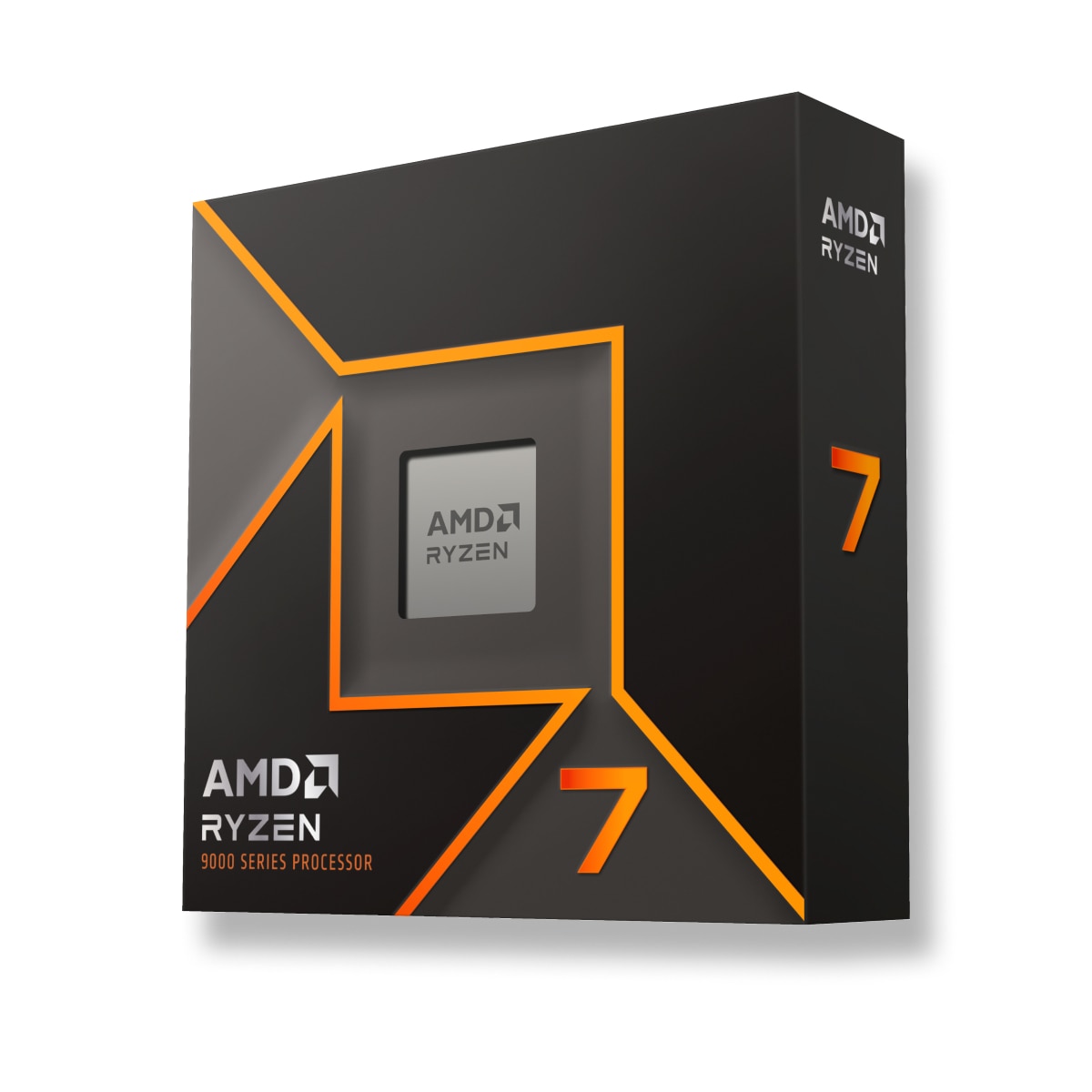
Both are 8-core / 16-thread parts. The 9700X runs at a 65W TDP while the 265K carries a 125W rating — and the 45L's Cryo Chamber handles both with headroom to spare.
9700X → 9800X3D
The 9800X3D's stacked 3D V-Cache makes it the gaming CPU king of 2025–26. Real-world uplift over the 9700X:
Pick the 9800X3D if gaming is 80%+ of your workload or you want the absolute best frame times. Pick the 9700X if your workload is mixed — spend the $178 on a better monitor, more storage, or games.
💡 The RAM-price hack: with DDR5 prices where they are, the 9800X3D has a sneaky budget play — run a single 32GB DIMM. Its 96MB of stacked L3 cache hides memory latency, so the single-channel penalty that would cripple a cache-starved chip barely touches it in games. You give up a little peak bandwidth, keep good performance, save real money — and with four DIMM slots on the WukongOC board, dropping in a second stick for full dual-channel later is a 5-minute job when RAM prices normalize.
06 · Myth-buster
The classic r/buildapc take. For older Omens, partly fair. For the 45L, largely a myth — with one caveat named Cryo Chamber.
"The only thing proprietary about this entire AMD Omen is the front-panel I/O. A $6 part is all you need if you ever want to move the motherboard to a standard case." — the entire premise of this post
07 · Basic AI starter
No, really. The 5090's 32GB of VRAM is the single most expensive ingredient in AI right now — and it's already sitting in your new machine. Everything below runs private and offline on this PC — no subscriptions, no API keys, no data leaving your house. This section assumes you've never touched AI tooling — start at the top and work down.
⚖️ Full disclosure — I still pay for online subscriptions, and you probably should too. State-of-the-art models are advancing faster than local hardware can keep up, and their performance is simply far beyond anything that fits in 32GB. Great online LLMs are also cheap now: GLM (z.ai), MiniMax, Moonshot, DeepSeek and the like cost less than you'd think — and I happily use Claude Opus and frontier GPT models too, just not at home. Two things to keep honest: local AI is NOT cheaper — the machine and the electricity are real costs — and the only thing that's genuinely cheaper and better locally is video generation. Learn local AI because it's private, offline, and yours — not because it beats the cloud.
Reality check
"It runs on my machine" hides real costs. Before you cancel any subscriptions, count these:
| Cost factor | What it actually runs | Rough reality |
|---|---|---|
| Hardware | The machine itself | $3,900+ up front. Amortized over 3 years, that's ~$108/month if AI were its only job |
| Electricity | ~575W GPU + ~150W system under load | ~0.7 kWh/hour of heavy inference. Rates vary a lot by region — at $0.17/kWh (example only): ~$0.12/hr — roughly $3.60/mo at 1hr/day, ~$29/mo at 8hr/day. Check your own utility rate |
| Idle & standby | PC left on for on-demand access | Even idling adds a few watts-round-the-clock to the bill |
| Your time | Setup, model shopping, troubleshooting | Free in dollars, expensive in evenings — that's the real currency of local AI |
Compare honestly: a cheap online plan (GLM, DeepSeek, MiniMax class) can cost less per month than the electricity alone — with far more capable models. Local makes sense for privacy, offline use, video generation, and the joy of tinkering — not for saving money.
The 60-second concept
The cheat sheet
Rough sizes for quantized (Q4) text models, plus the image-model classes:
| Model class | VRAM needed | Fits the 5090? | What it's like |
|---|---|---|---|
| 7–9B · small | ~5–6 GB | ✅ easily | Fast, capable chat and summaries — a great first model |
| 13–14B · medium | ~8–10 GB | ✅ easily | The speed-vs-smarts sweet spot for daily use |
| 27–32B · large | ~17–20 GB | ✅ comfortably | Genuinely smart coding & writing assistants — where 32GB shines |
| 70B · extra large | ~40+ GB | ⚠️ partial offload | Spills into system RAM — runs, but slower |
| Image · SDXL class | ~7–10 GB | ✅ easily | Full-resolution image generation |
| Image · Flux class | ~24 GB | ✅ with headroom | Top-tier quality — barely fits 24GB cards; yours has spare |
Rule of thumb: a 16GB card caps out around the 27–32B class. Your 32GB card runs that class plus a long context window — exactly what coding and document work want.
Step 01 · Tonight
Ollama is the lowest-friction way to run AI locally — if you can install an app and type one command, you can do this.
Already a developer? Continue (VS Code), Cline (VS Code), and aider (CLI) auto-detect a running Ollama and use it as a free, private coding-assistant backend. For a ChatGPT-style web UI on top, see OpenWebUI. Even Claude Code can drive local models via the ANTHROPIC_BASE_URL env var.
Step 02 · Next weekend
Step 03 · The deep end
Side quest · Images & video
ComfyUI is the de facto standard for local image and video generation — node-based visual workflows instead of code.
Recap
| Your goal | Use | Effort |
|---|---|---|
| Try local AI for the first time, tonight | Ollama | 10 minutes |
| A polished chat UI + model browsing | LM Studio | an afternoon |
| Free private coding assistant | Ollama + Continue / Cline / aider | an afternoon |
| Self-host an API / max throughput | vLLM | a weekend · Linux |
| Image & video generation | ComfyUI | a weekend · tutorials |
The whole stack — every tool above, every model you'd realistically run — costs $0 in software on the machine you already bought. Just keep the ledger honest: hardware and electricity mean local is not the cheap option, and cloud subscriptions still win on raw capability. Where local genuinely wins: privacy, offline access, tinkering — and video generation, which is cheaper and better on your own GPU.
08 · Final verdict
The deal of the three. 2× RAM, Platinum modular PSU, 65W, and a $6 transplant path. The easiest decision in tech.
The enthusiast pick. 3D V-Cache frame times for anyone chasing max FPS at 1080p/1440p.
A capable machine in its own right — Quick Sync and the NPU are genuinely useful. It gives up 16GB of RAM and the modular PSU while costing $50 more than the 9700X… but at $3,650 (June, and again in July) it came within $150 of the all-time low. Fantastic for a deal that recent.
09 · The bigger picture
Why a gaming PC is suddenly the sane AI purchase. The market forces behind GPU pricing, the RAM squeeze, and where local AI fits as the cloud arms race accelerates.
Market dynamics
The market is not rational until it is.
Nvidia's shift
Local vs. cloud
Hardware realities
Pricing & geopolitics
The long view
Even after the current enterprise build-out wave completes, historical adoption patterns say new use cases emerge almost immediately — scientific computing, autonomous systems, generative media, spatial AI. Compute demand stays structurally elevated. Which circles back to the machine this whole page is about: 32GB of local VRAM at prebuilt pricing is a rational bet in an irrational market.
10 · The reviews, honestly
Fair question — some early reviews of this platform were not kind. The highest-profile example is Gamers Nexus's teardown from about a year ago:
"HP Scammed Us: HP Omen 45L is the Worst Pre-Built We've Reviewed" — Gamers Nexus ↗ — ~1 year ago · the harshest take on this platform, included here for transparency
▸ "The Greatest PC Redemption? 🔥 HP Omen MAX 45L Review (AMD)" — Just!N Tech, ~4 months ago ↗
▸ "HUGE IMPROVEMENT!! — HP OMEN MAX 45L" — Tech Guy Beau, ~4 months ago ↗
▸ "Are OMEN Max Gaming PC's Still Good?" — TechSource, ~3 months ago ↗
11 · The price environment · August 2026
The market forces behind everything on this page, with receipts. If you're wondering why a prebuilt 5090 at $3,900 keeps looking better every month — this is why.
RAM · the memory squeeze
HP · September 13, 2026
GPUs · the 5090 drift upward
Read those next to this page's numbers and the thesis writes itself: the card alone now starts around $4,200–$4,800, while HP keeps selling the entire 5090 machine in the $3,650–$3,900 range. Every month the memory squeeze deepens, the "free computer attached to a 5090" framing gets harder to argue against.